Back to tenseconds.ai
Tenseconds.ai
The print pack
Everything for the sales binder, ready to hand to the print shop. Tap a file to open it in a new tab, then email or AirDrop it to the counter. This page stays open behind it, so you can come back and pick another file.
Open on your phone
Scan this code with your camera to pull up this exact page on mobile. From there you can download any file and AirDrop it straight to the print shop.
https://tenseconds.ai/print
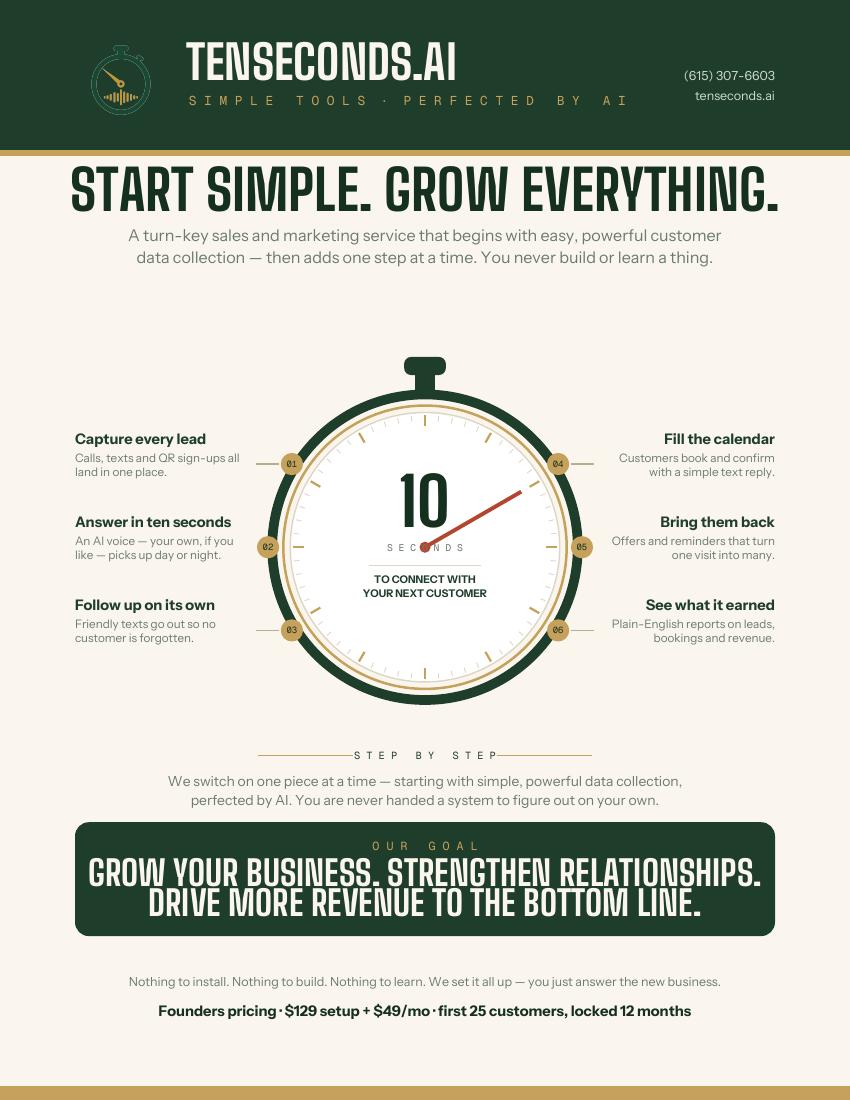
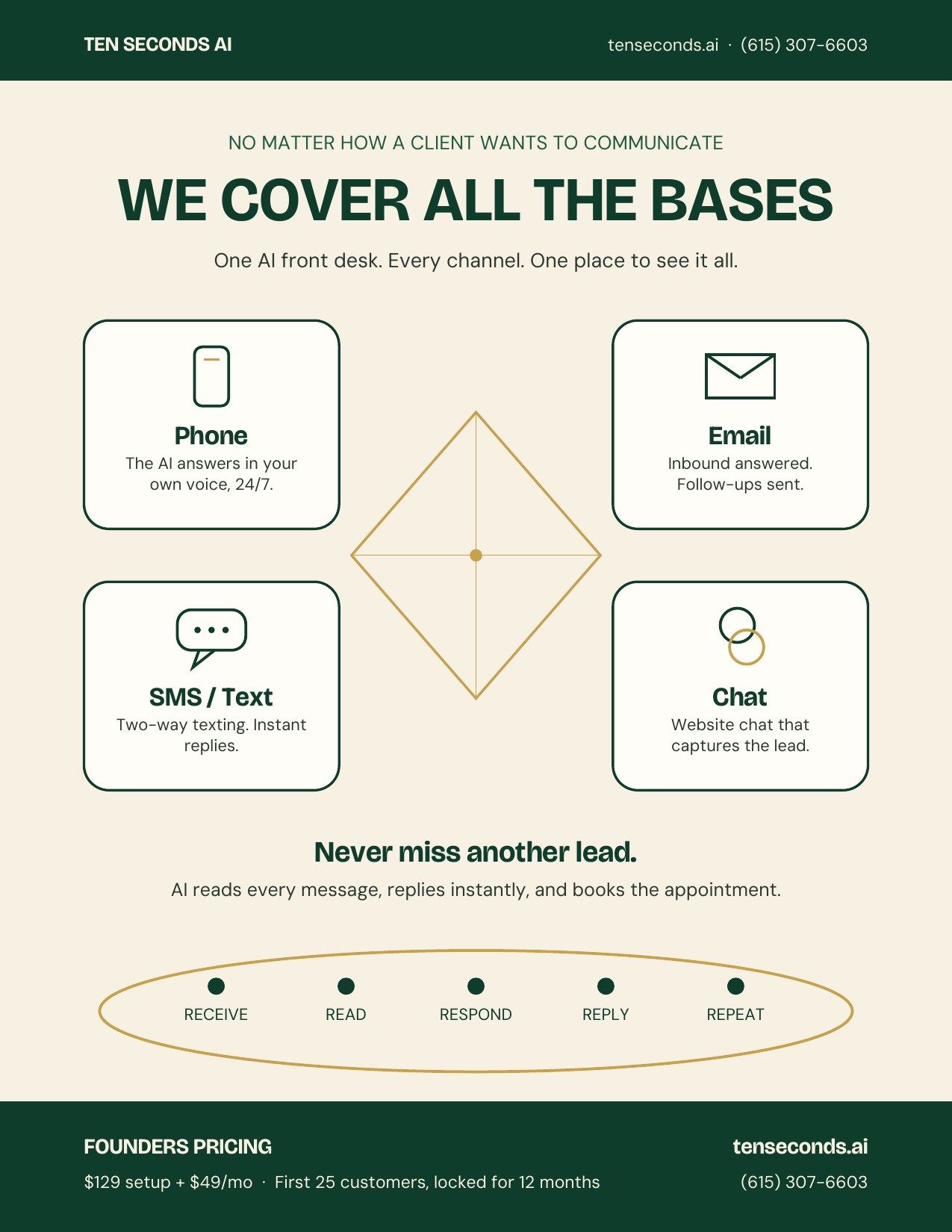
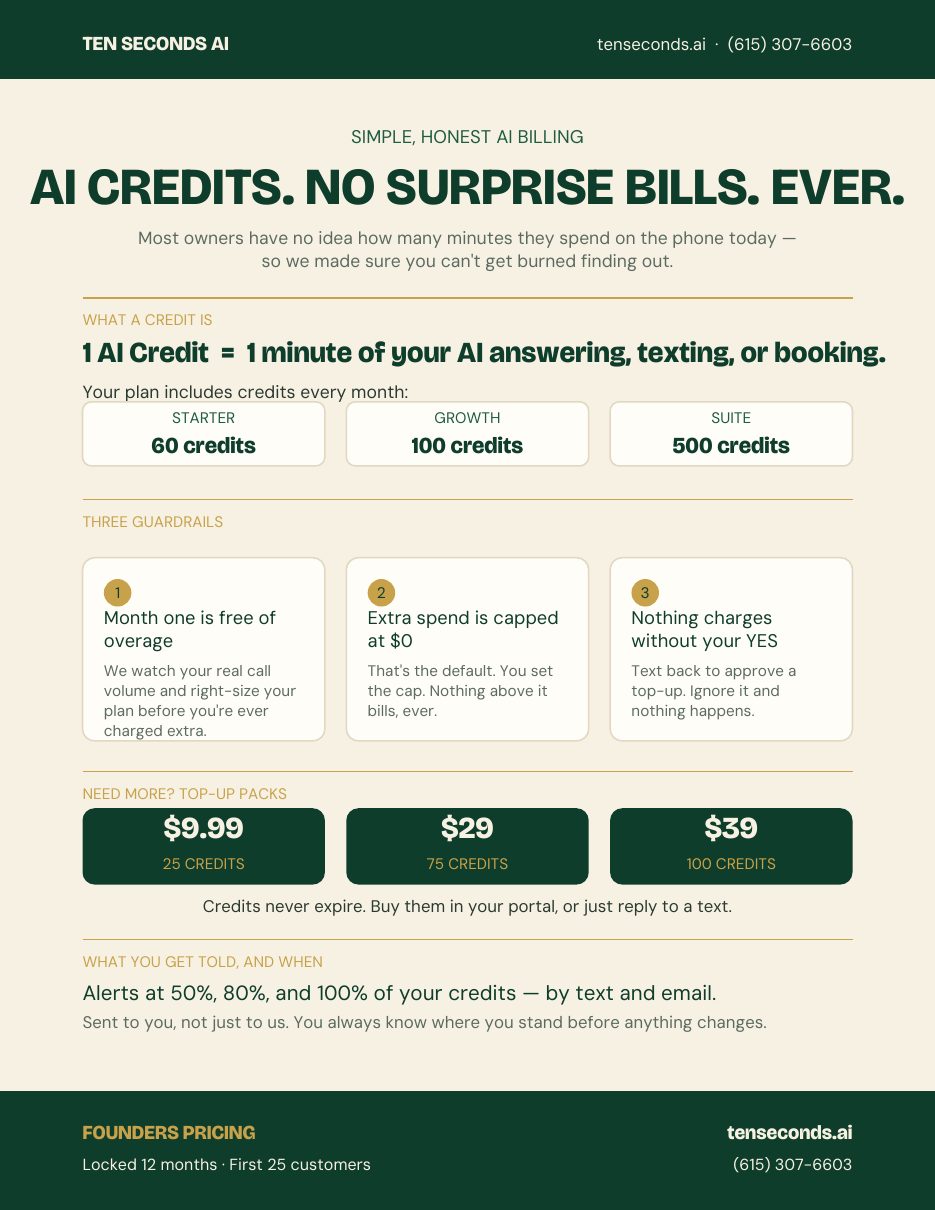
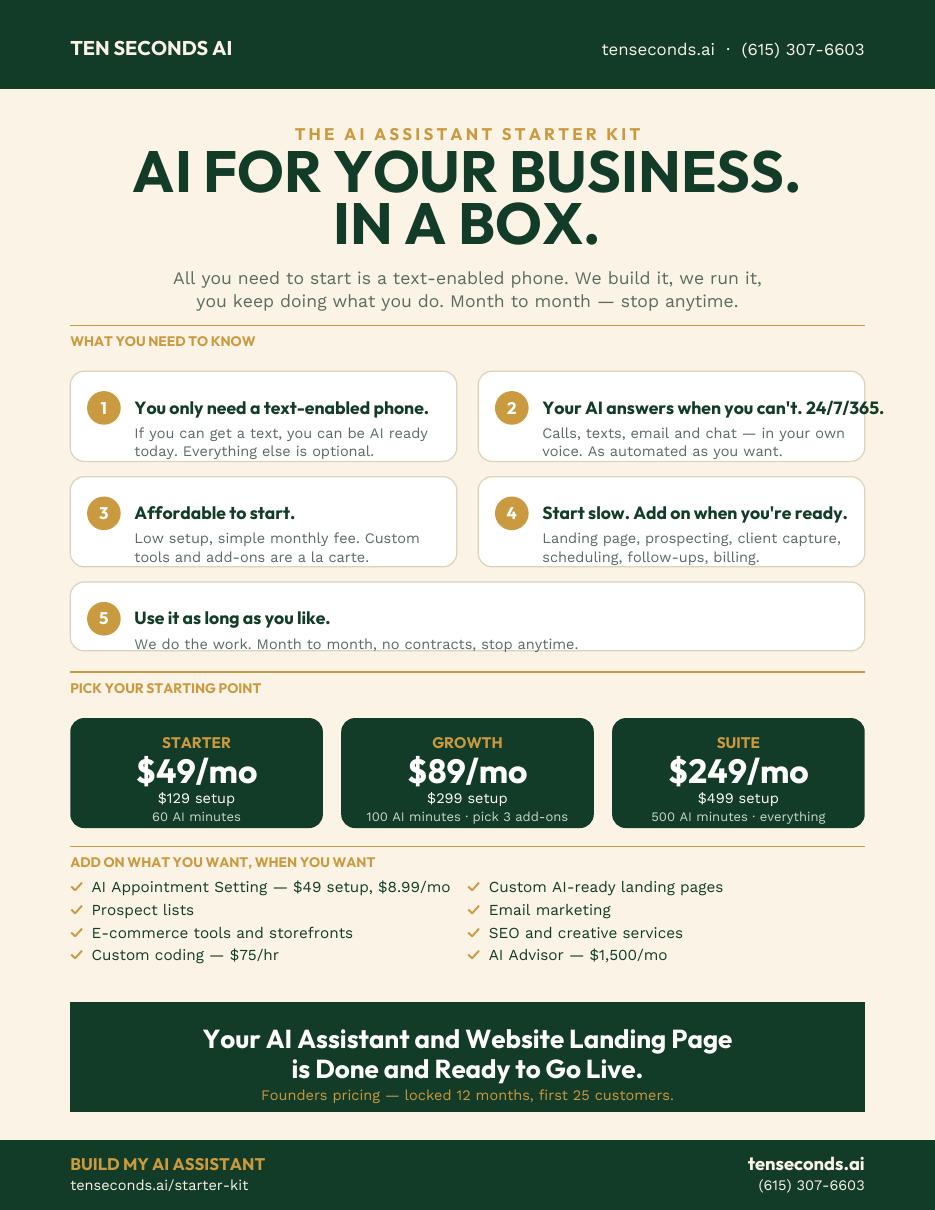
Sales binder19 pages · cover, spines, pricing, 13 vertical one-sheetsPrint full color, single sided, on 8.5 x 11. Ask for the cover to be laminated.One-page slick (stopwatch)1 page · six steps around the stopwatch dialPlain-language overview sheet. Full color, 8.5 x 11 — hand it out or leave it behind.One-page slick (channels)1 page · Phone, SMS, Email, Chat with the five-beat rhythm loopFull color, 8.5 x 11. Shows how every client communication channel is covered.One-page slick (AI Credits)1 page · what a credit is, the three guardrails, top-up packsFull color, 8.5 x 11. The no-surprise-billing sheet — hand it over when they ask about minutes.One-page slick (AI Assistant Starter Kit)1 page · the five promises, the three packages, the a la carte menuFull color, 8.5 x 11. The 'AI for your business, in a box' sheet — pairs with tenseconds.ai/starter-kit.
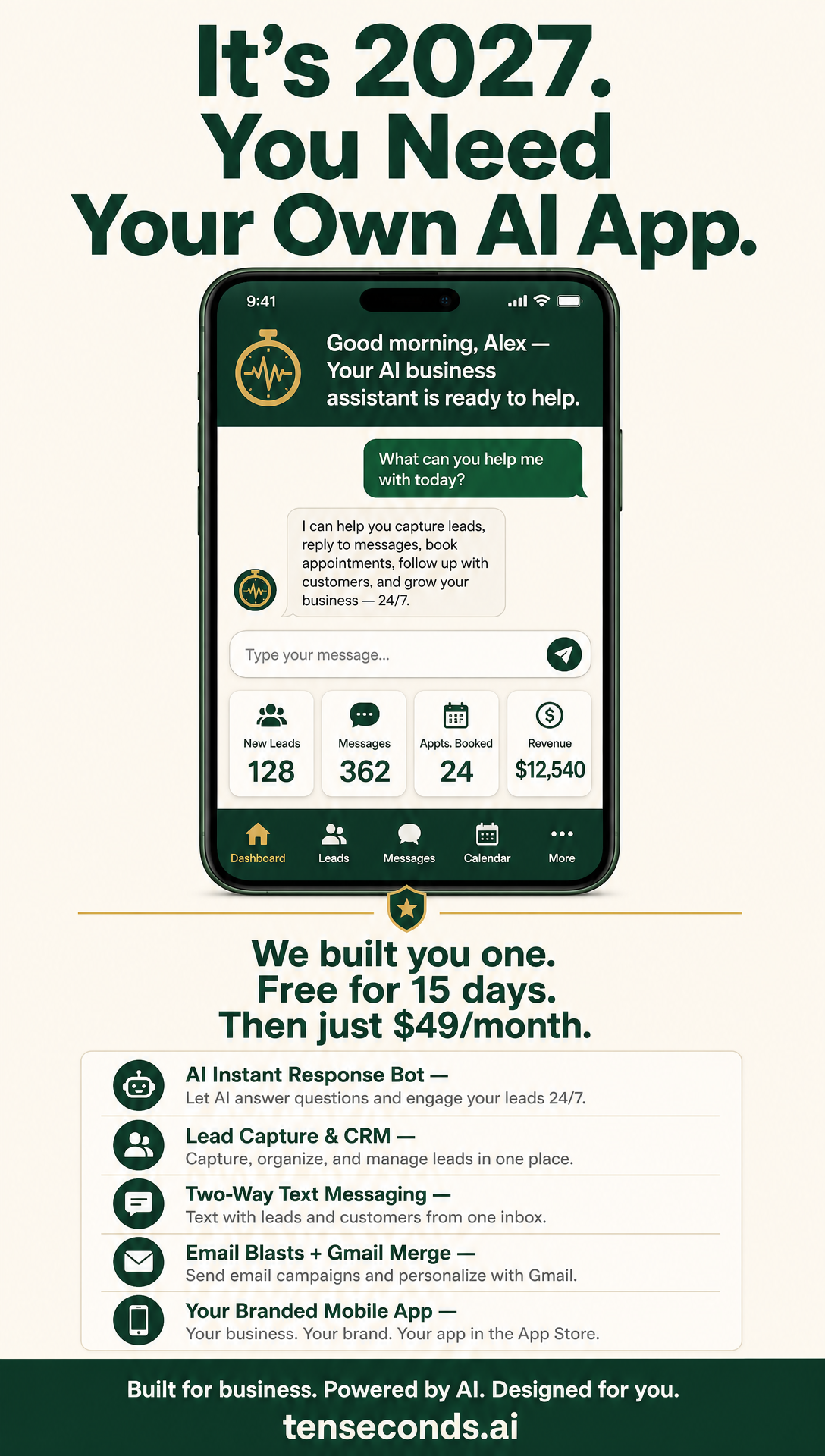
Promo posters
One-page slick preview
Channel slick preview
AI Credits slick preview
AI Assistant Starter Kit slick preview
How to add Featured links on LinkedIn
LinkedIn hides this. Follow the steps exactly. The five links and their names are at the bottom of this card.
On a computer
- Click the Me icon (top right) then View Profile.
- Scroll to the Featured section, under Activity and above About.
- Don't see Featured? Click Add profile section near the top, open Recommended, choose Add featured.
- Click the + in the Featured box, then Add a link.
- Paste the URL, wait for the preview to load, edit the title to match the name below, then Save.
- Repeat for each of the five links. Refresh the page after the first one.
On the phone app
- Tap your profile photo, then View Profile.
- Scroll to Featured and tap the +.
- No Featured section? Tap Add section → Recommended → Add featured.
- Tap Add a link, paste the URL, fix the title, tap Save.
Copy buttons for every URL live in the CRM at /crm/linkedin.
The five links and their names
- Fractional CIO & AI Implementation Advisorhttps://tenseconds.ai/advisor
- AI Consulting Serviceshttps://tenseconds.ai/ai-consulting
- Free AI Readiness Assessmenthttps://tenseconds.ai/audit
- Advisory Engagements & Pricinghttps://tenseconds.ai/advisor/engagements
- Case Study: Contractor Lead Capturehttps://tenseconds.ai/contractors
What to tell the print shop
- Binder: full color, one sided, 8.5 x 11, three-hole punched.
- Cover and spine: laminated, slipped into a 1 inch view binder.
- Cards: 16pt stock, full color, gloss or matte, trim to the crop marks.
- Deck: no need to print — present it from your phone.